Contents
- 1 1. WP Mail SMTP
- 2 2. GDPR Cookie Consent Plugin by WebToffee
- 3 3. WP Super Cache
- 4 4. Smart Coupons for WooCommerce by WebToffee
- 5 5. AIOSEO (All in One SEO)
- 6 6. Order Import Export Plugin
- 7 7. Accessibility Tool Kit
- 8 8. WooCommerce Product Feed
- 9 9. Loco Translate
- 10 10. WooCommerce PDF Invoices by WebToffee
- 11 11. Imagify
- 12 12. Request a Quote by WebToffee
- 13 13. Elementor
- 14
- 15 14. Email Marketing Automation
- 16 15. WP Umbrella
- 17 16. Product Import Export for WooCommerce
- 18 17. Broken Link Checker
- 19 18. Sequential Order Numbers by WebToffee
- 20 19. TablePress
- 21 20. Fluent Forms
- 22 Conclusion
Building an online business with WooCommerce is an exciting journey. Each year brings new tools that simplify operations, improve performance, and give customers a smoother shopping experience. With the right combination of plugins, store owners can save hours through automations, optimize conversions, and keep their websites running efficiently.
If you’ve been looking to refine your WooCommerce setup in 2026, the plugins below cover everything from SEO and automation to order management and security. Let’s look at some of the most effective options that can help you run your eCommerce store with greater confidence.
1. WP Mail SMTP

Email deliverability is a common challenge for WooCommerce store owners, and WP Mail SMTP solves it effectively. The plugin ensures that your transactional and notification emails reach customers’ inboxes instead of spam folders.
It works by reconfiguring the wp_mail() function to use trusted mailers like Gmail, SendGrid, Amazon SES, or other SMTP services. This adjustment greatly enhances email reliability while maintaining your brand identity through custom sender settings. The plugin also supports detailed email logs and error tracking for troubleshooting.
Its additional features include an easy setup wizard and compatibility with major contact form plugins. WP Mail SMTP makes sure your store’s communication remains consistent and dependable.
2. GDPR Cookie Consent Plugin by WebToffee

Maintaining compliance with global privacy laws can feel complex, but WebToffee’s GDPR Cookie Consent plugin simplifies the process. It helps store owners display clear cookie notices, manage user consent preferences, and stay aligned with regulations like GDPR, CCPA, and LGPD.
The Cookie Compliance plugin provides full control over how cookies are categorized and displayed. You can add cookie details, customize the banner’s appearance, and allow users to accept or reject cookies. Its auto-script blocking feature prevents non-essential cookies from loading before consent, keeping your site compliant from the first interaction.
Other highlights include multilingual support, integration with Google Tag Manager, and compatibility with most caching and translation plugins. It’s a must-have for building user trust and maintaining transparency.
3. WP Super Cache

A fast website plays a major role in user satisfaction and SEO. WP Super Cache enhances your store’s speed by generating static HTML files and serving them to most visitors instead of heavier PHP scripts.
The plugin offers multiple caching modes, including Simple and Expert, which cater to different levels of technical knowledge. It also features cache preloading, garbage collection, and support for Content Delivery Networks (CDNs). These settings work together to reduce page load times and server resource usage. The result is a faster, more stable WooCommerce store that performs consistently even under high traffic.
4. Smart Coupons for WooCommerce by WebToffee

Discounts and gift cards encourage repeat purchases, and Smart Coupons by WebToffee makes managing them effortless. The plugin helps store owners create, distribute, and personalize coupons without relying on additional extensions.
This advanced discount rules plugin supports features like bulk coupon generation, advanced restrictions, and store credit management. You can issue gift card coupons, BOGO deals, and percentage-based discounts with specific usage rules for products, categories, or customers. Each setting can be fine-tuned from the WooCommerce dashboard.
Other capabilities include automatic coupon application, import coupon functionality, and email generated coupons. It’s a versatile marketing tool that boosts engagement while keeping coupon management a breeze for store owners.
5. AIOSEO (All in One SEO)
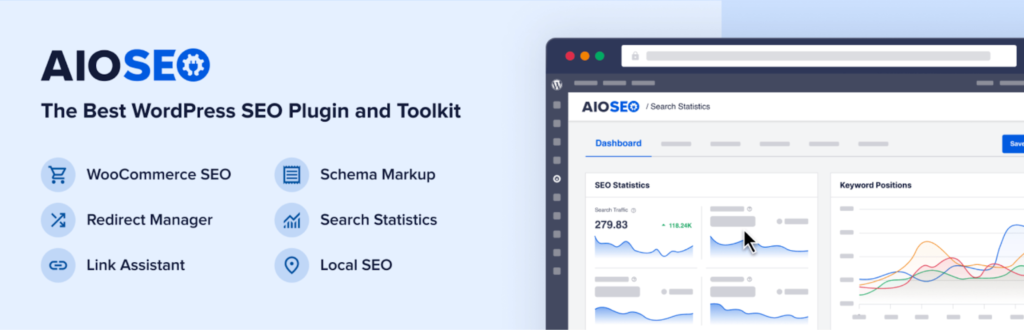
Search visibility remains a cornerstone of eCommerce success, and AIOSEO provides an efficient way to improve it. The plugin simplifies search optimization for store owners who prefer practical tools over technical complexity.
It includes a smart setup wizard that automatically configures core SEO settings. Features like dynamic sitemaps, on-page analysis, and schema markup help search engines understand your content better. AIOSEO also supports WooCommerce product optimization, ensuring each product page is indexed correctly.
Additional features include social media integration, local SEO tools, and integration with analytics platforms. The interface is intuitive, making it easier for teams to keep SEO tasks consistent and accurate.
6. Order Import Export Plugin
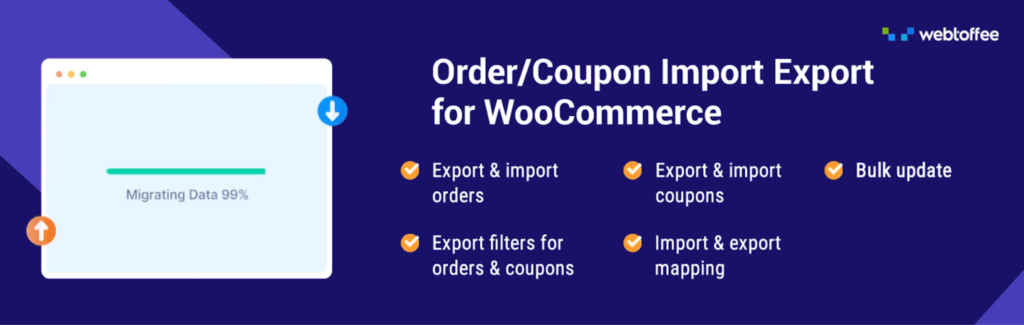
As order volumes grow in your WooCommerce store, manual data handling quickly becomes impractical. The Order Import Export plugin is built to manage large-scale order data with flexible import and export options tailored to your needs.
You can bulk export thousands of orders using filters such as date range, order status, specific customers, or products. Advanced column mapping gives you full control over how order data appears in exported files.
For imports, the plugin offers powerful mapping options that let you update or skip existing orders, match orders by product ID or SKU, and even remove records that don’t match the imported data. With scheduled imports via FTP or SFTP, the entire process can be automated eliminating the need for manual monthly updates.
7. Accessibility Tool Kit

Website accessibility is essential for reaching every visitor, and this accessibility toolkit plugin helps WooCommerce stores meet accessibility standards with ease. It provides built-in tools that enhance usability for users with disabilities.
The plugin includes features such as keyboard navigation support, contrast adjustments, text resizing, and screen reader compatibility. It automatically scans pages for accessibility issues and offers suggestions for improvement.
To further support developers and testers, WebYes offers a free Accessibility Checker Chrome Extension that enables fast, WCAG-based accessibility checks on any webpage. It identifies common issues such as missing alt text, incorrect heading structure, and low color contrast, while providing real-time element inspection, image alt text review, keyboard focus visualization, and testing across both desktop and mobile views. This lightweight, privacy-friendly tool helps teams quickly evaluate accessibility and stay aligned with WCAG, ADA, and EAA requirements.
8. WooCommerce Product Feed
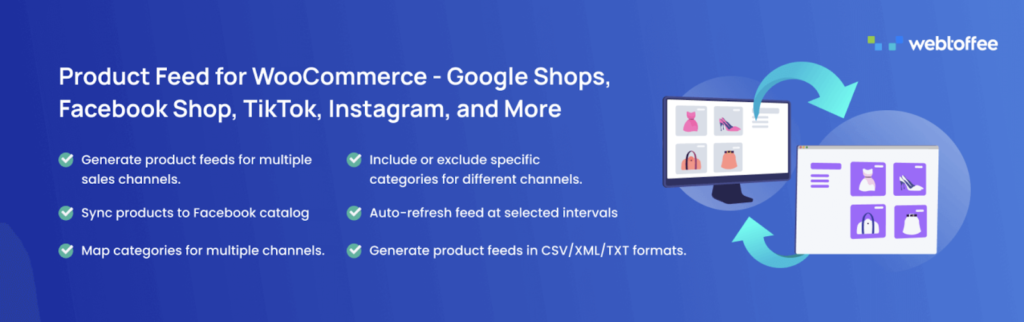
Want to list your products on platforms like Google, Facebook, Instagram, TikTok, Pinterest, Bing, and more? The WooCommerce Product Feed plugin makes it easy to create and manage optimized product feeds for all major sales channels, helping you reach more shoppers without manual effort.
Automatic feed updates keep your listings accurate in real time, while flexible filtering lets you choose which products to include or exclude and tailor feeds to each platform’s requirements. You can get started for free with basic feed generation, and upgrade to the premium version for advanced filtering, scheduling, and customization features.
9. Loco Translate

If your WooCommerce store serves global customers, Loco Translate helps translate themes and plugins directly within WordPress. It removes the need for external tools by offering an in-dashboard translation editor.
You can generate and update translation files, sync them with your theme or plugin updates, and manage localization without FTP access. Loco Translate also integrates with Google Translate API for faster translations when needed.
It supports multiple languages and lets you organize translation templates efficiently. Whether you manage a multilingual site or localize for one region, Loco Translate simplifies the process significantly.
10. WooCommerce PDF Invoices by WebToffee
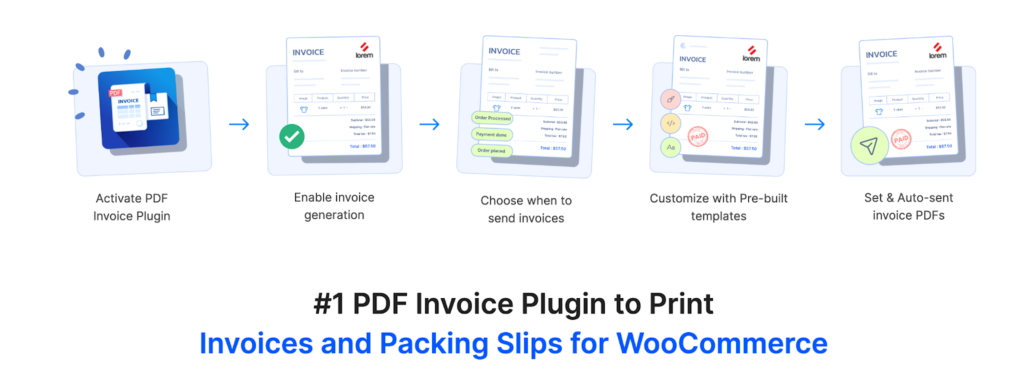
Invoices and packing slips remain vital for every online order, and this plugin streamlines how they’re created and managed. WebToffee’s WooCommerce PDF Invoices automatically generates professional invoices and slips for every order.
The plugin offers multiple invoice templates, customizable fields, and options for adding your logo and company details. You can download, print, or attach invoice PDFs to order emails. Automated document generation saves time, while sequential numbering and tax details ensure compliance with accounting standards.
Additional tools include bulk invoice downloads, multilingual support, and credit note support. For store owners, it simplifies post-order documentation while keeping branding consistent.
11. Imagify

Image optimization plays a big role in speeding up your WooCommerce store. Imagify compresses and resizes images without visible loss of quality, helping pages load faster and improving overall performance.
The plugin automatically optimizes images upon upload, supporting formats like AVIF and WebP. It also includes a bulk optimization tool to process your existing media library in one go. You can adjust compression levels depending on your preference between quality and file size.
Other highlights include automatic resizing for large images and backup storage for originals. Imagify keeps your visuals sharp while ensuring your site remains light and responsive.
12. Request a Quote by WebToffee
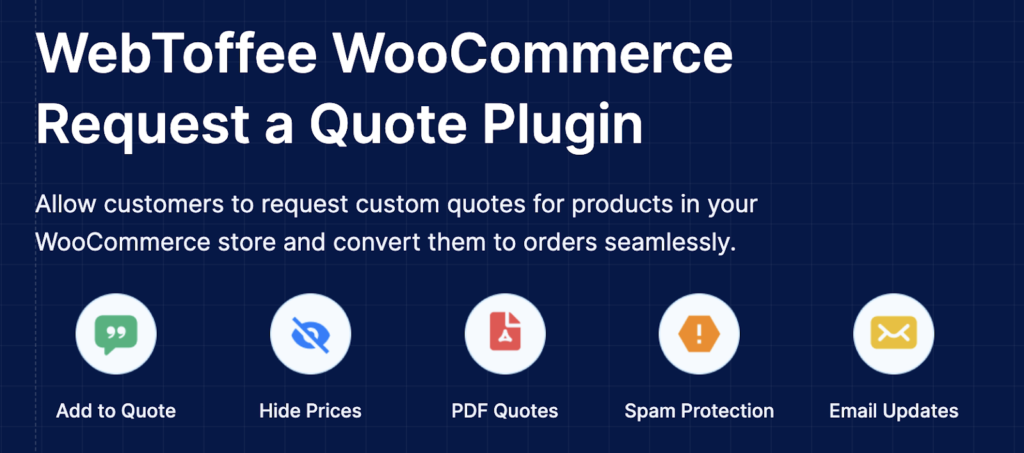
For businesses dealing in bulk or custom orders, WebToffee’s Request a Quote plugin simplifies buyer interactions. It enables customers to add products to a quote list instead of the cart and request pricing directly.
The plugin lets you customize quote forms, manage requests from the WooCommerce dashboard, and send responses through email. You can hide prices for specific products, replace the “Add to Cart” button, and control which users can request quotes. It also enables store owners to prevent spam quote submissions by enabling reCAPTCHA.
13. Elementor

Elementor allows store owners to design custom pages with complete control and no coding. It’s one of the most widely used WordPress builders for WooCommerce, known for its flexibility and real-time editing interface.
You can create product pages, landing pages, and custom layouts using its drag-and-drop widgets. The plugin includes responsive design controls, global styling options, and integrations with WooCommerce elements like product grids, categories, and carts.
Other capabilities include motion effects, custom headers and footers, and a vast library of prebuilt templates. With Elementor, your store design stays consistent, functional, and engaging.
14. Email Marketing Automation

Automating your store’s email campaigns can help recover lost sales and maintain engagement. This email marketing automation plugin handles everything from abandoned cart reminders to post-purchase follow-ups.
WooCommerce email automation provides ready-to-use email workflows and dynamic popup templates for cart recovery, customer win-backs, and promotional offers. Store owners can segment customers based on purchase behavior and send targeted emails accordingly. The plugin ensures timely, personalized communication that boosts conversions with minimal effort.
15. WP Umbrella

Website maintenance is easier when you have the right monitoring tools, and WP Umbrella covers this need efficiently. It tracks uptime, performance, and PHP errors, helping you identify and fix issues before they affect customers.
You can manage multiple sites from a single dashboard, schedule automated backups, and view real-time reports on site health. The plugin also includes notifications and Google Page Speed monitoring for performance scoring.
Extra features such as client reporting, plugin update tracking, and log retention make it especially useful for agencies and developers.
16. Product Import Export for WooCommerce
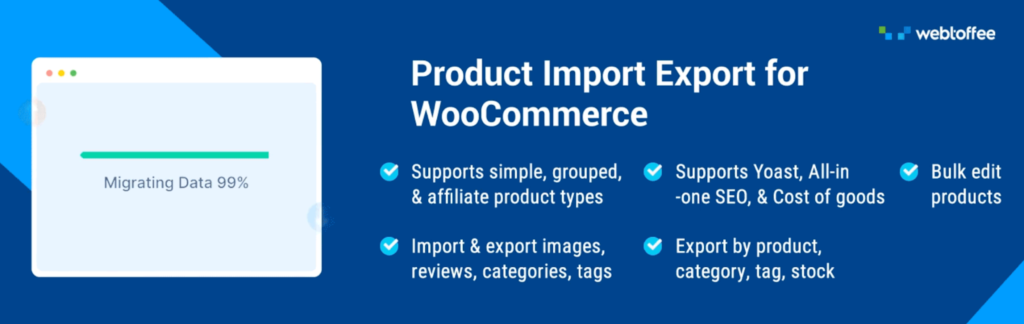
Migrating or updating product data manually can be time-consuming. WebToffee’s Product Import Export plugin streamlines this process with bulk data transfer features.
You can import or export products, categories, reviews, and custom fields via CSV, XML, TSV and Excel files. The plugin supports scheduled imports, automatic mapping, and the ability to bulk update product data without duplication.
Additional features include compatibility with multilingual stores, advanced filters, and export logs. It’s ideal for large inventories or store migrations where accuracy and efficiency are essential.
17. Broken Link Checker
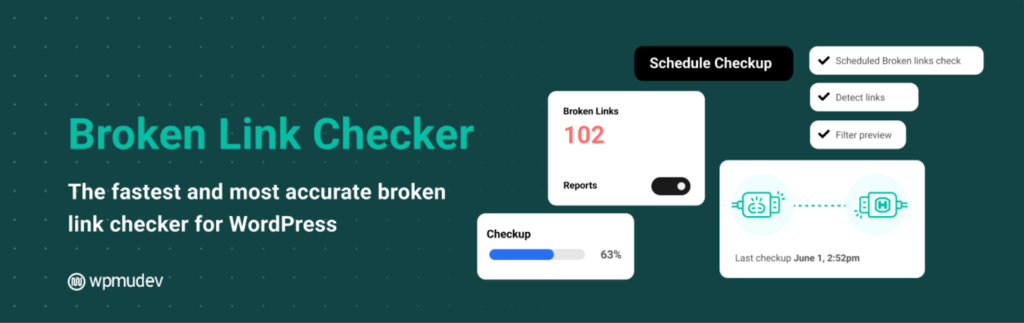
Broken links can harm SEO and user experience, but this plugin automatically detects and reports them. It scans posts, pages, comments, and custom fields for invalid URLs.
You can fix, unlink, or update broken links directly from the plugin’s dashboard without editing each post manually. It also provides notifications via email or within WordPress whenever new issues arise. Regular link audits keep your WooCommerce site credible and search-friendly.
18. Sequential Order Numbers by WebToffee
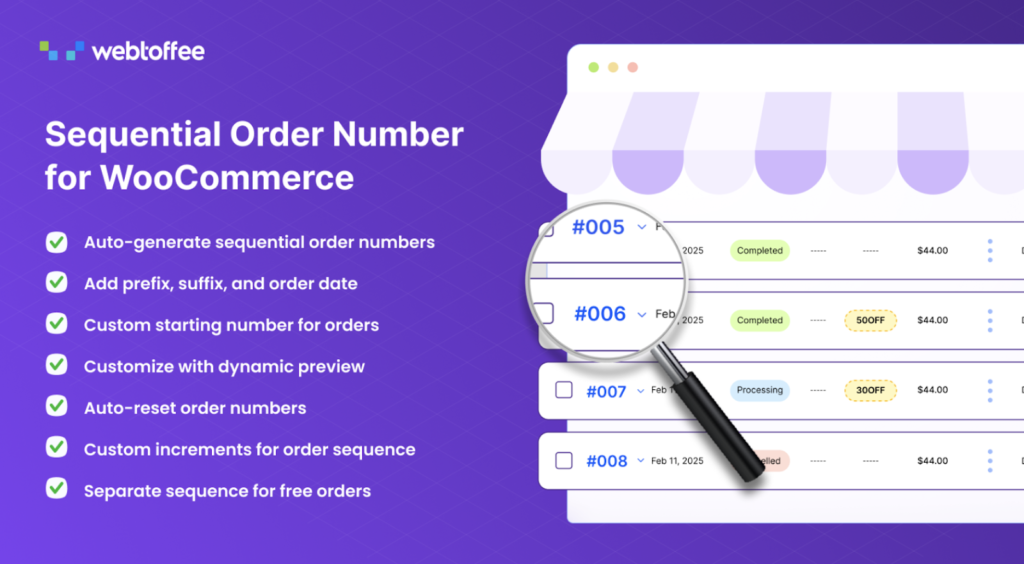
Managing order numbers can get confusing, especially when WooCommerce generates them randomly. This custom order number plugin helps you organize order IDs in a sequence that’s easier to track and manage.
You can customize prefixes, suffixes, and number formats to match your business system. The plugin works with all order types, including subscriptions and refunds, maintaining consistent numbering throughout.
The sequential order number plugin also supports assigning custom increments to order number sequences and enables auto-reset order numbers on a monthly or yearly basis. Sequential order numbering gives your backend better clarity and simplifies bookkeeping.
19. TablePress

TablePress helps you create and manage tables for product comparisons, specifications, or pricing charts without coding. It’s flexible, easy to use, and integrates seamlessly with WordPress shortcodes.
You can edit tables in a spreadsheet-style interface and include images, links, or formulas. It supports importing and exporting data in formats like CSV, Excel, and JSON, which is useful for frequent updates.
Other features include table sorting, pagination, and various data types. For product listings and data presentation, TablePress adds structure and clarity.
20. Fluent Forms

Fluent Forms is a fast and intuitive form builder for WordPress users. It helps create forms for contact, order tracking, feedback, or subscriptions without writing any code.
Its drag-and-drop editor supports advanced conditional logic, multi-step forms, and file uploads. The plugin also integrates with payment gateways, marketing tools, and email services to automate workflows directly from form submissions.
Other features include anti-spam protection, reCAPTCHA, and built-in analytics. Fluent Forms provides an easy, efficient way to collect and manage customer data.
Conclusion
Every WooCommerce store operates differently, but the plugins above share one goal – simplifying management while improving performance. From SEO and cookie compliance to automation and design, each tool helps address a specific need that contributes to your store’s long-term growth.
As you explore these plugins, focus on the ones that align best with your workflow. The right mix of functionality and reliability can turn your WooCommerce site into a more efficient, customer-friendly, and profitable eCommerce business in 2025.
Thanks for reading!